In-app camera & editor
Multi-clip recording, speed ramps, timers, alignment guides and frame-accurate trimming — a full vertical edit without leaving the app.
- Speed 0.3x to 3x
- Clip splitting & reordering
- Voiceover and volume mixing
TikTok Info Hub documents how a modern short-video platform actually works: the editing suite, the sound library, collaborative formats like Duet and Stitch, the recommendation signals behind discovery, and the safety settings every viewer and creator should know about.
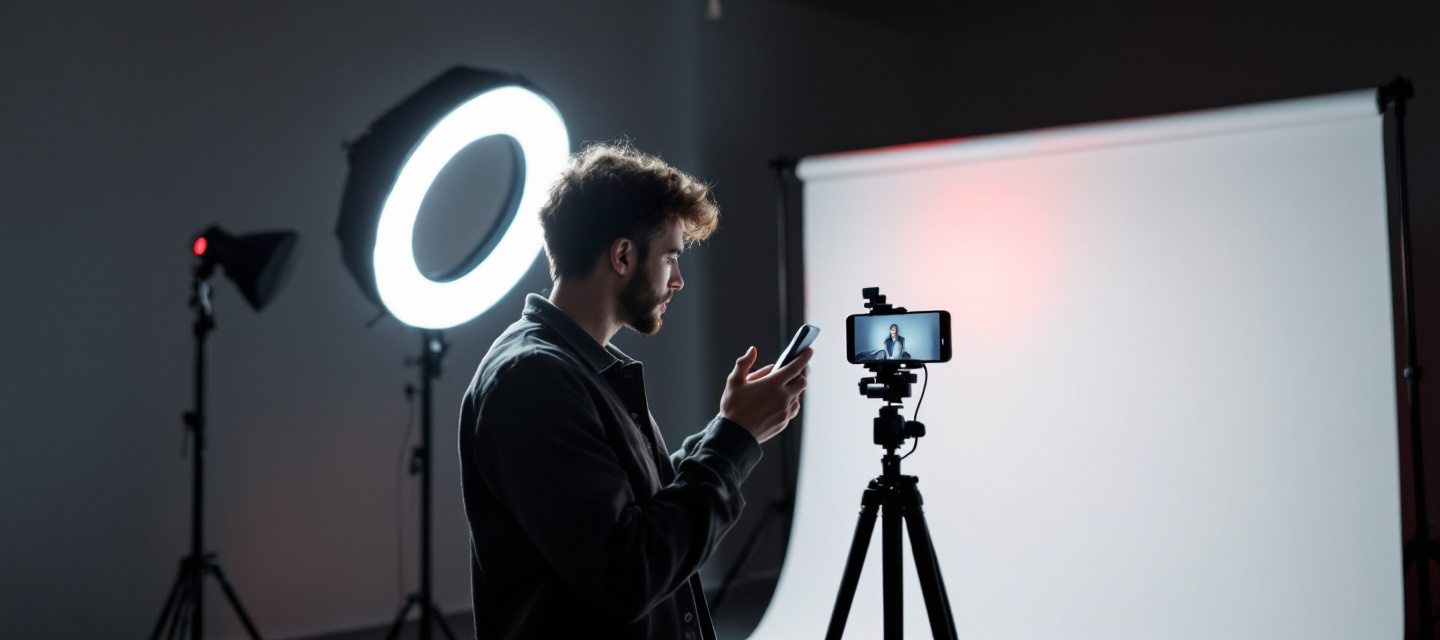
Every pillar below is described for educational purposes: what the tool does, where it lives in the app, and what it means for the people watching.
Multi-clip recording, speed ramps, timers, alignment guides and frame-accurate trimming — a full vertical edit without leaving the app.
Green screen, transitions, beauty and colour presets, and AR-style effects that track faces or surfaces in real time.
Licensed tracks, original audio and trending sounds are searchable, attributable and reusable — the backbone of how trends travel.
Collaborative formats let one video answer another: side-by-side Duets, quoted Stitches, and video replies to comments.
Real-time broadcasts with moderation keywords, co-host slots, question boards and viewer-only chat modes.
Retention curves, traffic sources, watch time and audience territories help creators understand performance without guesswork.
A simplified but accurate walkthrough of the journey a single vertical clip takes through the system.
Film in-app or bring in footage from your gallery. The editor keeps everything in the 9:16 vertical frame and preserves the highest available resolution.
Trim clips, layer a sound, add text overlays, auto-generated captions and effects. Captions and alt text widen reach and improve accessibility.
Choose the audience, allow or block Duet, Stitch, downloads and comments, then publish. Each toggle is per-video, so decisions are never permanent.
The feed tests the video with small audiences and expands distribution based on watch-through, rewatches, shares, saves and topic signals — not follower count alone.
Short video, photo carousels, LIVE and long-form uploads each behave differently in the feed. Use this table as a planning reference.
| Format | Typical length | Strongest for | Key tools |
|---|---|---|---|
| Short video | 7–34 seconds | Trends, hooks, quick tutorials, high rewatch rates | Sounds, effects, text overlays, speed control |
| Photo mode | 3–12 images | Storytelling, before/after sets, quotes and lists | Templates, transitions, background music |
| Long-form video | 1–10 minutes | Explainers, deep dives, step-by-step walkthroughs | Chapters via text cues, captions, voiceover |
| LIVE | Real time | Q&A, community moments, launches and events | Moderators, keyword filters, co-hosting |
| Duet / Stitch | Follows source clip | Reactions, collaborations, corrections and credit | Split-screen layouts, source attribution |

Safety features only help when people know where they live. These are the settings we point readers to most often, described neutrally and without collecting any of your data.
The vocabulary of short-form video, defined once so the rest of the hub reads easily.
Short answers to the questions our readers send to support@tik-tok.space most often.
No. TikTok Info Hub is an independent informational and educational reference published at tik-tok.space. We do not sell subscriptions, offer paid services, process payments or host accounts. Everything here is documentation and guidance.
Browsing is generally possible without signing in, but interactive features — liking, commenting, following, saving and posting — require a registered account on the platform itself. This hub never asks you to create or link one.
Ranking blends behavioural signals (watch-through, rewatches, likes, shares, saves, follows), video information (sounds, captions, hashtags, topics) and device or account settings such as language and region. New videos are tested with small audiences first, which is why accounts with few followers can still reach large ones.
Yes. Both permissions are per-video toggles that can be set before publishing and changed afterwards in the post's privacy settings. Private accounts have these collaborative options disabled by default.
A 1080×1920 pixel vertical file at 30 or 60 frames per second with H.264 encoding is a safe baseline. Keep important text and faces away from the outer edges, where interface elements overlap the frame.
Use the in-app report flow on the specific video, comment, sound or profile — it routes directly to the platform's moderation queues. TikTok Info Hub cannot action reports, remove content or recover accounts; we only explain where the tools are.
Read our mission, browse the feature and ecosystem breakdown, or write to the editorial desk with a correction or a topic request. No sign-up, no tracking pixels, no paywall.